
Teaching Digital Literacy

Digital literacy is emerging as one of the “21st-century skills” that almost everyone needs. How can instructors address the needs of different users to teach these skills effectively?
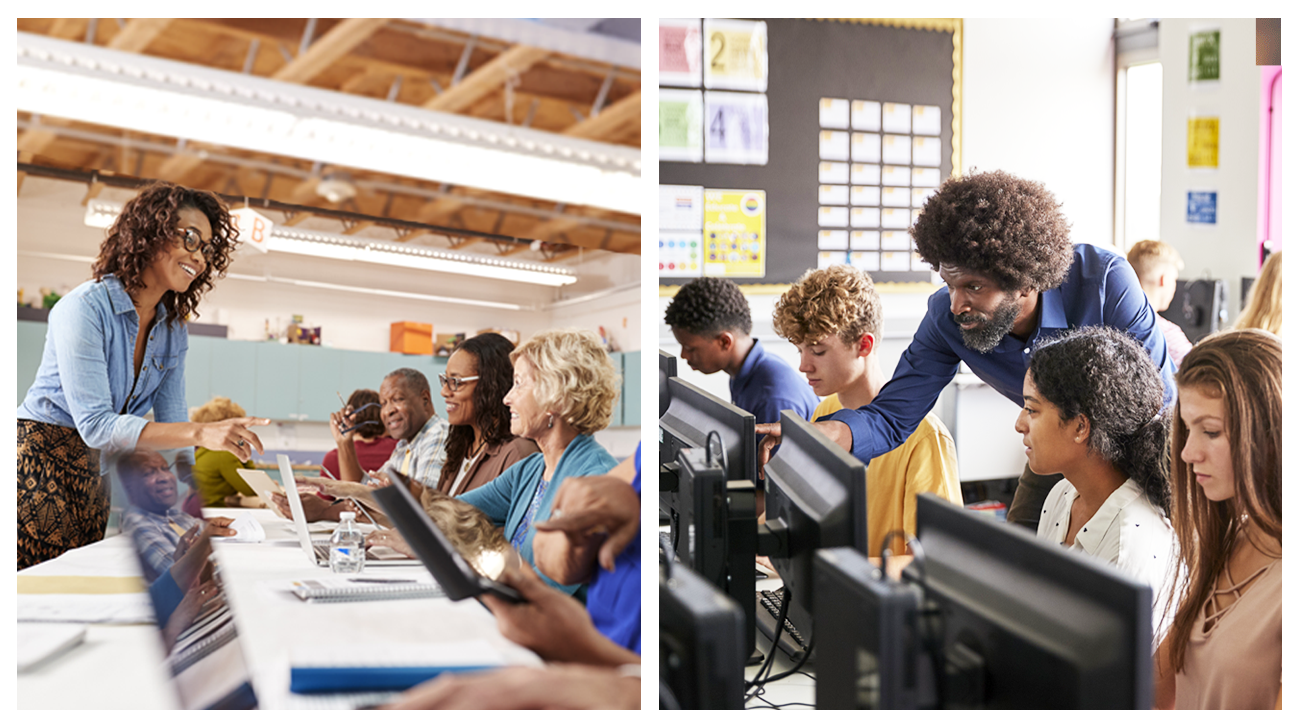
Digital literacy is emerging as one of the “21st-century skills” that almost everyone needs. Digital literacy involves a wide variety of skills and competencies depending on how and why users use technology. Ultimately, the goal of building digital literacy skills is to ensure that everyone uses technology in the way that’s most beneficial to themselves and others.
How can we develop digital literacy among learners?
Diverse audiences need different approaches
Different users have different digital literacy needs and may need to be taught skills differently.
For instance, a younger user might be very familiar with the mechanics of accessing websites and navigating around the sites. Very often, younger users can operate technology almost instinctively, while older users struggle with unfamiliar screens and interfaces.
However, younger users may not be able to grasp abstract concepts, such as subjectivity in news stories, as easily as older people. Younger users tend to take much of what they see online at face value, while older users (in comparison) might find it easier to grasp abstract concepts and think critically about what they encounter.
Adult learning theories hold good in teaching digital literacy as in everything else. Andragogy is the science of teaching adults, in contrast to general approaches to teaching children. The table below summarizes the main differences between child and adult learners as relevant to teaching digital literacy.
| Adult learners | Younger learners |
|---|---|
| Are self-directed | Often require more explicit guidance from teachers; are dependent on teachers |
| Need to know the “why” in order to be motivated to learn; want learning to be immediately relevant for them | Accept that they must learn some things “just because,” even if there is no apparent reason to |
| Tend to question new information | Tend to accept what they are told |
| Are intrinsically motivated to learn | Are largely extrinsically motivated |
| Are more comfortable with abstract concepts | Prefer concrete concepts and examples |
| Draw on existing knowledge and past experiences | Have limited past experiences or knowledge to refer to; tend to trust educators or experts |
| Tend to be more anxious/afraid of failure; less willing to experiment or try new things | Tend to be less anxious when they don’t know something; more willing to experiment |
Challenges to developing digital literacy among learners from different age groups might include language or cultural barriers and technological barriers—a learner’s network or device might just not be suitable for the work they need to do.
Keeping these differences in mind helps educators develop learning approaches that best suit their audiences.
Techniques to develop digital literacy
Instructors may be teaching digital literacy as a standalone subject or may need to develop their learners’ digital literacy skills for an unrelated course. In either case, there are a number of techniques that work for different kinds of learner needs.
Project-based learning
Assign learners hands-on projects that build digital literacy skills. For younger learners, these could be on more interesting or general topics. For older learners, the digital literacy skills can be built into assignments for their main subject of focus or on topics that would be generally useful to them. The projects can be designed to build mechanical skills or more abstract conceptual skills.
Projects for younger learners:
- Open the front page of an online newspaper. How many ads can you spot? Take a screenshot of each ad and paste it in a document.
- Create a document in Microsoft Word. Use the Calibri size 11 font and add at least two pictures that you download from online.
- What are the differences between bicycles in the Netherlands and in other places? Research the topic online and present it to the class. Also explain where you found the information and how you searched for it.
- Look up the “filter bubble” using at least three Google search shortcuts and list the top three links you get with each shortcut.
Projects for older learners:
- What are the different methods of citing online sources? Research at least three methods online and provide an example of each.
- Pick a current “big” news story. Visit at least ten news sources and analyze how the same story is treated in different sources. Cite the sources using your preferred citation method.
- Sign up for a newsletter, website, online course, or other service you prefer. Were you able to complete all the steps without issues?
- Leave a review for a product, hotel, book, or movie you have experienced on a review site.
Critical thinking
Questions to ask to evaluate online sources
- What is the source of this information?
- Is the source a reputable or reliable source?
- Does the source have a particular agenda or perspective that can influence the content?
- Do multiple sources say similar things?
- What do critics of the source say about it?
Story-telling techniques
Stories are often remembered long after people have forgotten data or facts. In teaching digital literacy, stories can especially powerful, particularly in the area of digital safety. There’s no dearth of real cases of people encountering dangers online. Instructors can use real cases for adult learners and imaginary or simplified stories for younger learners, as appropriate. For adult learners, it would be important to “show” the relevance of the stories to their current lives. For younger learners, it may be sufficient to “tell” them why these stories are relevant to them.
Real-life stories of phishing scams
Using online resources
There are a host of free and paid online resources and courses that teach digital literacy skills. For instance, Microsoft has training modules that teach learners how to navigate its products. Users can find out how to do something by simply using a Google search to find an answer. Sites like YouTube have explanatory videos by content creators to explain practically everything. Most online services will have explanatory content explaining how to access their services. For instance, if a user wants to set up an online bank account, the bank’s website will likely have how-to content for that.
- One of the most basic skills learners need is efficient web search techniques. If nothing else, they should learn to try searching for information whenever they’re stuck.
- Teach learners how to distinguish good/reliable sources from unreliable or even fake sources.
- To teach mechanical online skills (for example, how to send an email, how to work in Microsoft Word), instructors can find online courses appropriate for each age group.
Many sites or browsers have settings to ensure that children receive age-appropriate content. Demonstrate how these settings work to older learners, and ensure that these settings are enabled for younger learners.
Digital literacy makes good digital citizens
Digital literacy allows users to become good digital citizens, to act in a way that benefits themselves without harming others. What are the traits of good digital citizens? They can be summed up in three parts:
Acting with empathy: Empathy is the top trait of a good digital citizen. This involves treating others with respect and courtesy, avoiding cyberbullying or spreading misinformation. Try to assume that others are acting from good intentions.
Acting ethically: Respect the rights of others to their work. Avoid plagiarizing the work of others, and cite the sources when you quote information. When using images or videos found online, make sure that you’re using them in the way the license entitles you to.
Making mindful decisions: Be mindful of what you do online as well as how much time you spend online. There are many decisions to make—signing up for websites, making purchases, sharing data, commenting or communicating, choosing where to spend your time—so try to be mindful about what you do.